
Contents
This section describes the configuration of the email and SMS settings required for Automated Alarm functions.
To access the necessary System Configuration tools:
1.Select Admin and then System Configuration from the drop down menu:
Figure 174
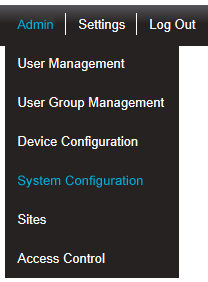
•The Admin menu is located at the right hand side of the top menu bar.
•After selecting System Configuration a new window is displayed. See Figure 175 below:
Figure 175
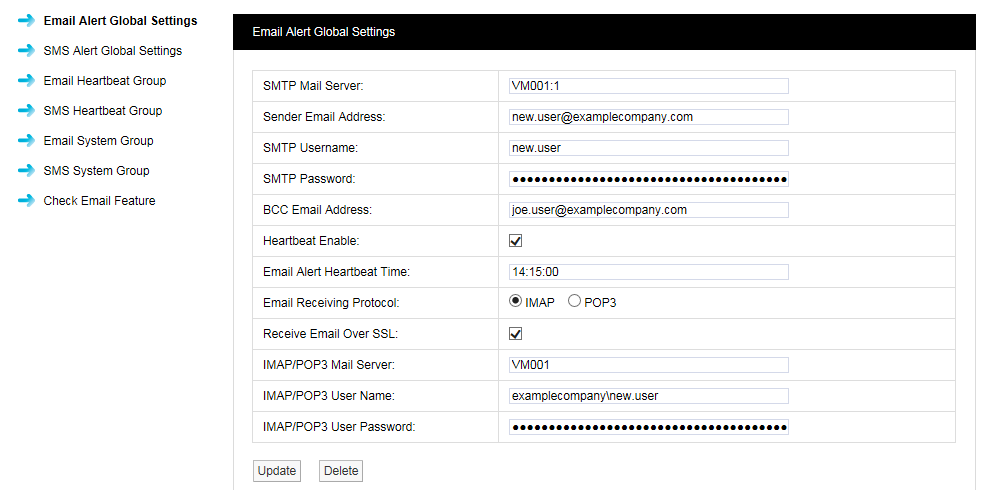
3.From the left hand list, select the required settings/feature group from the following: