
Contents
To View Sites
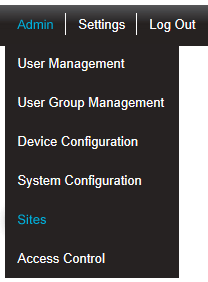
1.Select Admin>Sites from the right-hand menu bar. See Figure 229 below:
Figure 229
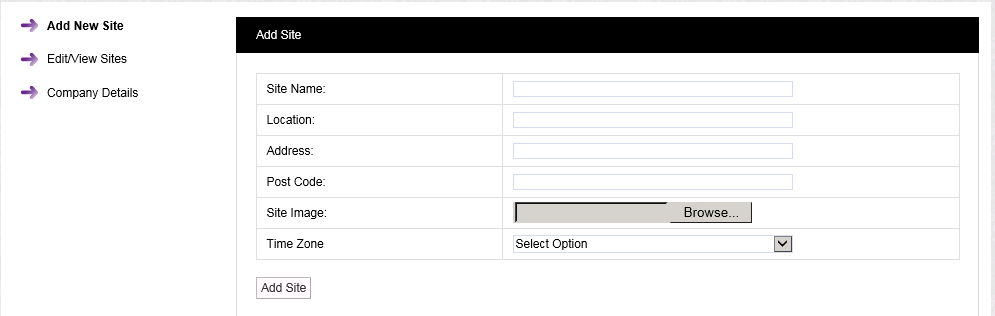
•After selecting Sites, the Add Site window is displayed. See Figure 230 below:
2.Select Edit/View Sites from the left-hand menu to display the Available Sites window. See Figure 230 below:
Figure 230
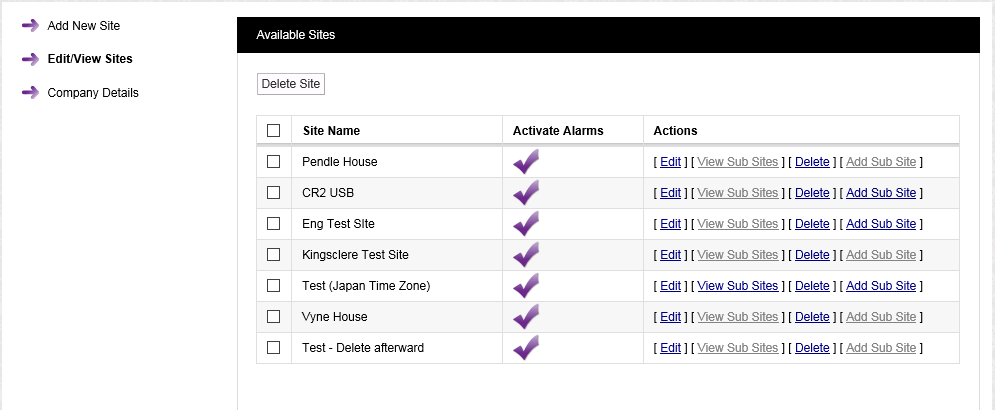
•From the Available Sites window you can:
•Activate or Deactivate alarms for the Site.