
Contents
To View the Zones Defined for a Site
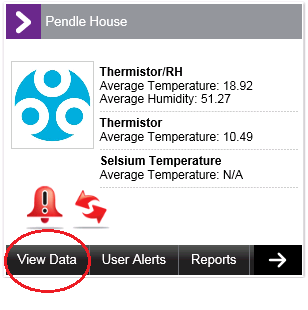
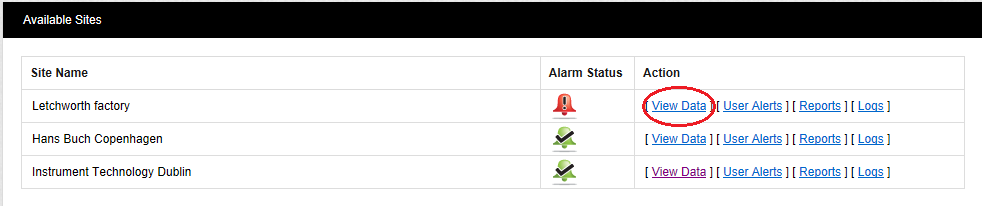
1.From the Dashboard, click on View Data.
•From either the Site's Dashboard icon:
•Or the Text View:
•This displays the Live View window. See Figure 349 below:
Figure 349
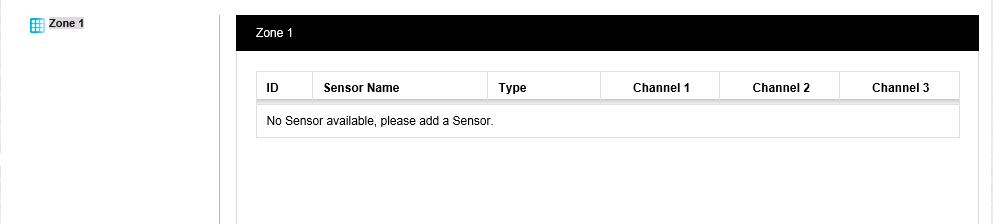
•The Live View window will show details of the defined Zones and Sub-Zones and their associated sensors as they are added.